Roles worth your attention this week
Quick snapshot from the job board this week:
Superhuman- Executive Operations Partner (SF)
$118,000-$163,000
Ramp— Executive Assistant (NY or SF)
$130,000–$170,000
Duolingo —Senior Executive Assistant (NY)
$130,900–$177,100
These are pulled from the same system I use to track roles across 20+ platforms.
Instead of bouncing between LinkedIn, company sites, and random alerts, you can search everything in one place:
April is our AI month at Office of the EA. And I don't mean the "here are 47 tools you'll never actually open" kind of AI content.
I mean the stuff that actually changes how you operate. The kind of shift that, once you make it, you cannot go back.

This week I'm sharing something I built for myself because I got tired of starting every day on someone else's terms.
More below 👇
With love and lots of ☕️ coffee,
P.S. If you've ever opened Slack at 8am and immediately felt behind — this one's especially for you.
Master Claude AI (Free Guide)

The professionals pulling ahead aren't working more. They're using Claude.
Our free guide will show you how to:
Configure Claude to be the perfect assistant
Master AI-powered content creation
Transform complex data into actionable strategies
Harness Claude’s full potential
Transform your workflow with AI and stay ahead of the curve with this comprehensive guide to using Claude at work.
🧠 I Don't Open Slack First Anymore
I don't open my inbox either. 💁🏻♀️
Because by the time I did, I'd already been pulled into five things. Some urgent, most not. And my morning was gone before it started.
So I built something that looks at everything before I do.
Every morning, before I touch a single tab, I already have a report waiting. It's scanned my email, checked my Slack DMs and mentions, and pulled in anything new or active overnight.
What it gives me:
→ What actually matters today
→ What's urgent and who it's from
→ What can wait
→ What I can ignore entirely
That last one is the one that changed everything!
I'm not reacting to my tools anymore. I'm reading a briefing, like an executive. And then I decide where my attention goes.
The setup is simpler than it sounds. I broke down the exact workflow, the tools, and the prompts I use, step by step- in this week's blog post.
What's the first thing you open every morning? Hit reply — I'm genuinely curious how many of us are starting the day the same way.
Spread The Word

We’re building a worldwide, EA-approved restaurant map. 🎉
Have a go-to spot?
Submit it here:
City
Restaurant
Why
Tools We’re Loving
Wispr Flow - You talk, it types. Everywhere. Emails, Slack messages, docs- done in half the time it takes to type them out. If you're not using voice dictation yet, this is the one to start with.
Granola- No meeting bots, no awkward "I'm recording this" energy. Just open it before your call, take rough notes, and Granola turns them into something you'd actually want to share. Your team will think you have a whole system going. (You do now.)
Littlebird- The AI that actually knows what you're working on. Not a general chatbot you have to brief every single time. It stays in context, stays helpful, and lets you stay focused on what's in front of you.
Support Office of the EA by exploring any of these tools through our links — it helps keep our newsletter (and caffeine habit) going strong. 💪
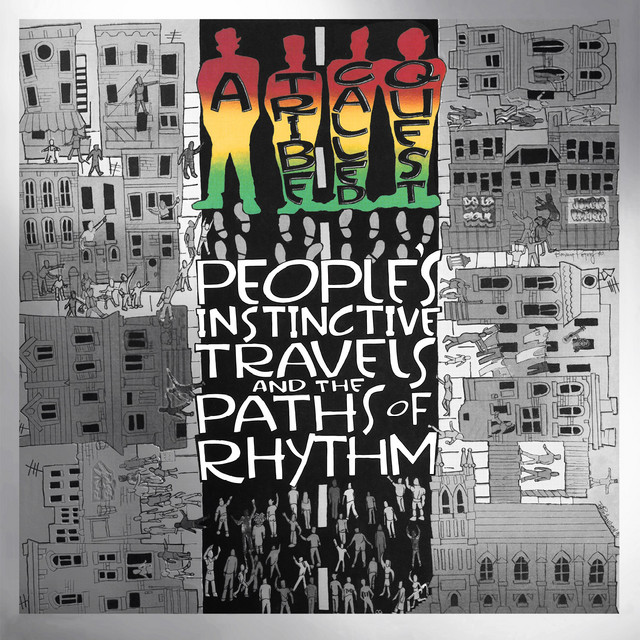
🎶 Song Of The Week - Can I Kick It? - A Tribe Called Quest
Move with intention this week. Press play and get into your flow.
Full playlist linked here.